


















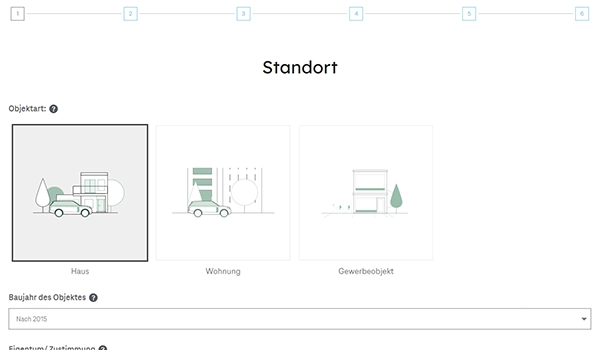
Creation of orders/tickets/customer profiles via the website using the REST API. The API can also be used to fill the user-defined fields in the objects when creating the object.
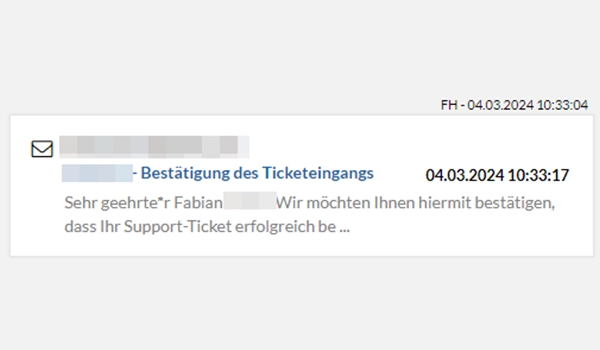
Automatic sending of a confirmation email when requests/orders are created via the website (API). User-defined templates can be stored to adapt the content of the e-mail to your corporate language.
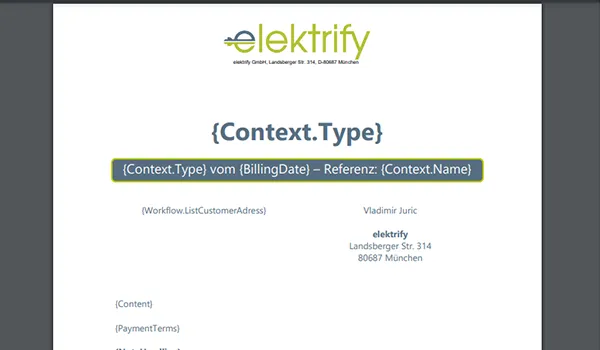
Customized document layouts for invoices and offers in your own coperate design. Simply use your existing Microsoft Word documents as a basis and insert content from the system using placeholders.
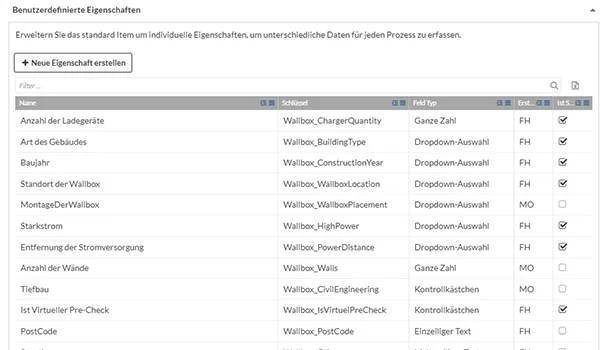
Define different order types to map different processes. Add user-defined fields to the order types as well as type-dependent service catalogs and templates that extend the global settings for this order type.
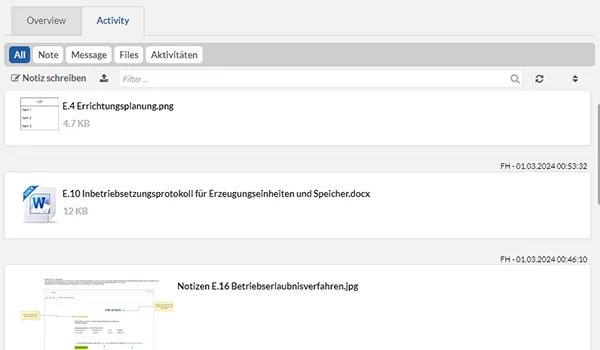
Always maintain an overview of the orders. Capture comments and documents in the order and automatically log the emails sent via the application in an activity stream in the order.
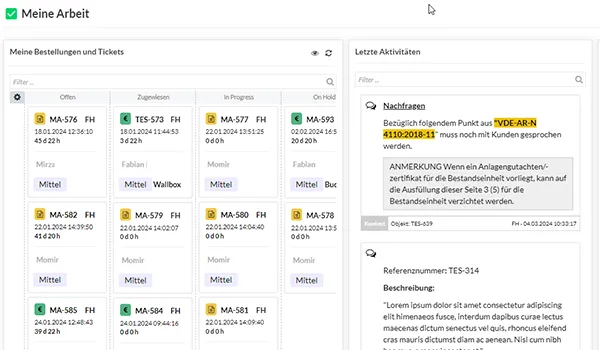
In the "My work" area, keep track of all orders/tickets assigned to you as well as the latest activities from your objects and the list of your current tasks
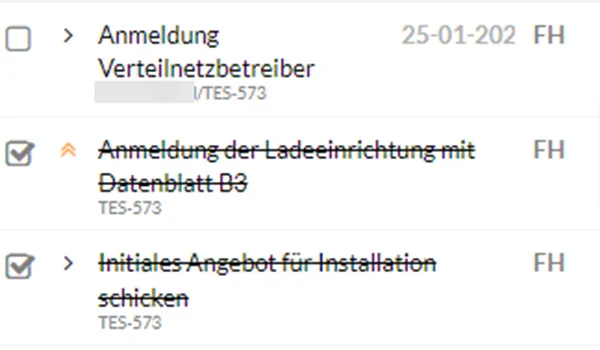
Create and manage tasks directly in the orders. Automatically create a follow-up task when sending e-mails.
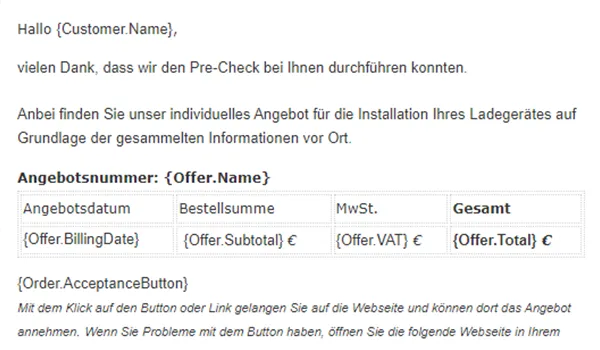
Send emails directly from the app via Microsoft Exchange integration. Save yourself work and create message templates in the system. You can easily add information from the system using placeholders.
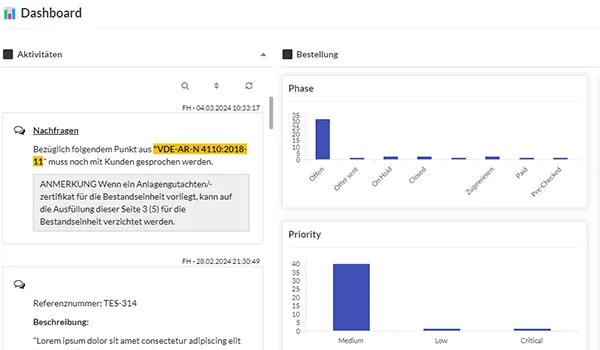
Maintain an overview with the integrated dashboard. See the latest orders/tickets as well as the distribution of orders to employees/phases/priorities.
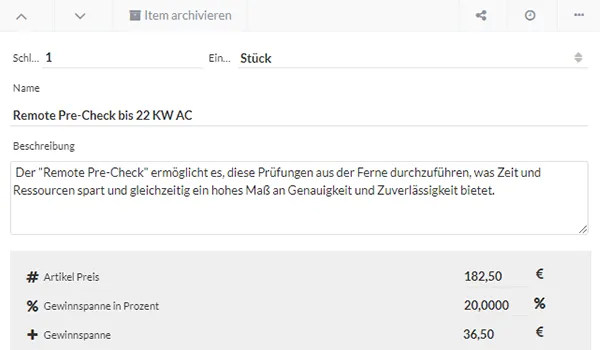
Service catalogue can be stored globally and per order type. Store a global profit margin or adjust it per item.
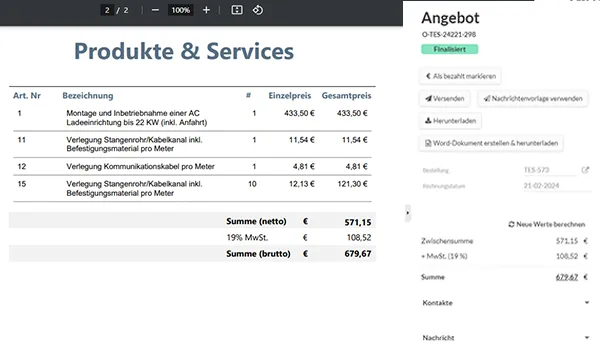
Create invoices and offers directly from the system in your corporate design and send them to the customer.
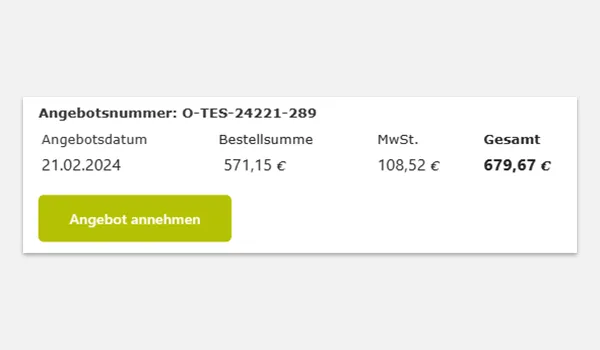
Include a button directly in the offer email so that the customer can accept the offer via a website.
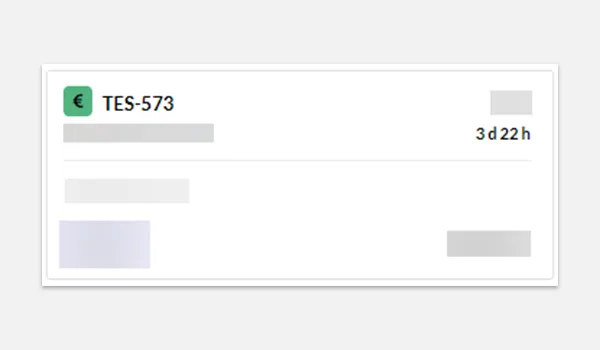
Always see how long an order/ticket is in a phase so that you can react in time to keep your service promise to your customer.
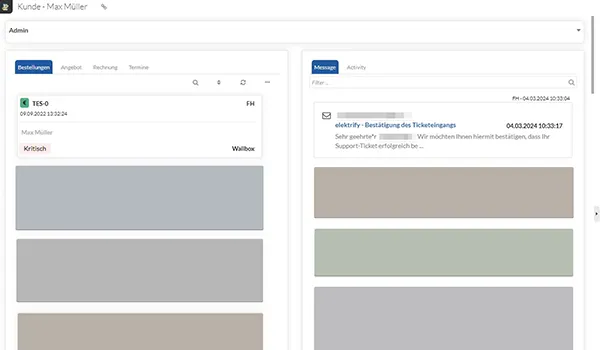
Overview of all relevant customer information (orders, tickets, documents, emails and appointments) in one central location. Store a different billing address in the customer profile.
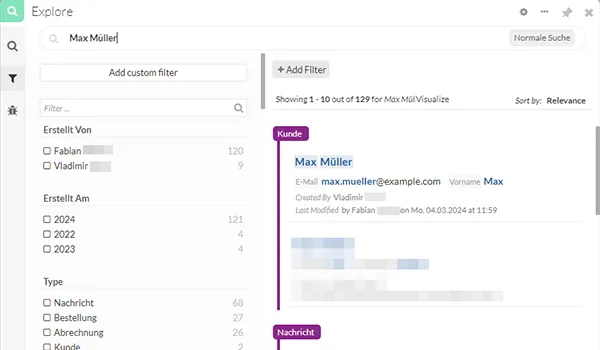
Search orders, documents, customer profiles with the Enterprise Search (as premium feature available)